PhilHealth is one of the most important government health insurance programmes in the Philippines. It helps Filipino citizens and eligible members access healthcare benefits and financial assistance for medical expenses.
Through the PhilHealth Member Portal, members can check their membership information, monitor contribution payments, download their Membership Data Record (MDR), update certain membership details and access other online services without visiting a PhilHealth office for every transaction.
In 2026, PhilHealth continues to expand its online services to make membership management easier and more convenient.
If you are looking for information about PhilHealth portal login, new account registration, checking contributions or downloading your MDR, this guide explains the complete process in simple steps.
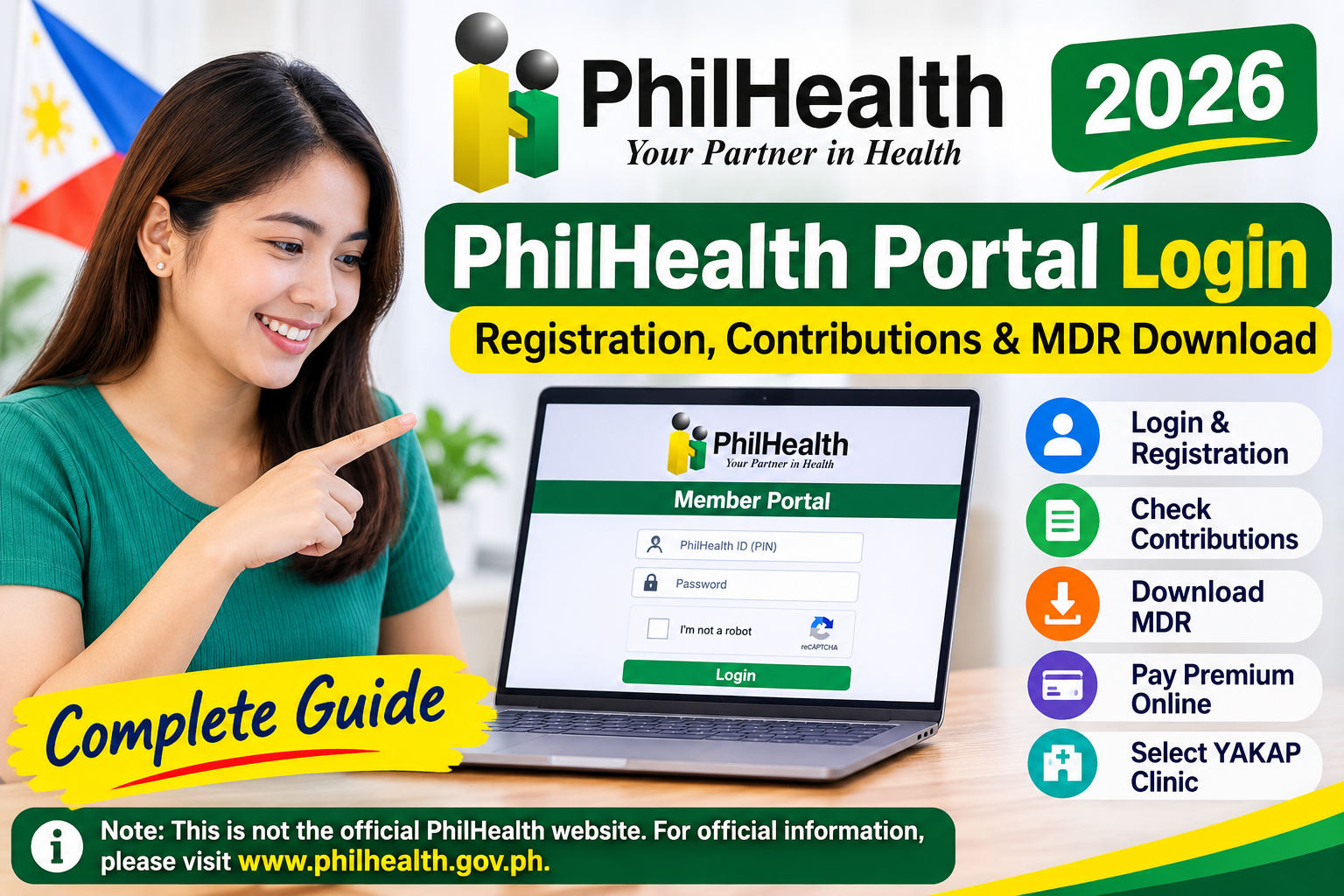
What Is the PhilHealth Member Portal?
The PhilHealth Member Portal is an official online platform provided by the Philippine Health Insurance Corporation (PhilHealth). It allows registered members to access their membership records and manage several services online. Members can use the portal through a computer, laptop or mobile phone.
Some of the important services available through the portal include:
- View PhilHealth membership information.
- Check registered dependents.
- Monitor posted premium contributions.
- View and download the Membership Data Record (MDR).
- Update or request amendments to membership records.
- Generate and access the Statement of Premium Account (SPA).
- Pay eligible premium contributions online.
- Select a preferred YAKAP healthcare provider.
Disclaimer: This website is an independent informational platform and is not affiliated with, associated with, or officially connected to the Philippine Health Insurance Corporation (PhilHealth) or the Philippine Government. We provide this article only for educational and informational purposes to help readers understand PhilHealth portal login, registration and online services. For official information, account registration and member services, please visit the official PhilHealth website.
How to Register for a PhilHealth Portal Account in 2026
If you are accessing the PhilHealth Member Portal for the first time, you need to create an online account.
Follow these steps to complete your registration:
- Open the official PhilHealth Member Portal.
- Select the account registration option.
- Enter the required personal and membership information.
- Provide your PhilHealth Identification Number (PIN) and other requested details.
- Create a secure password.
- Complete the CAPTCHA verification.
- Submit your registration details.
- Check your registered email address for the account activation message.
- Open the confirmation link sent to your email to activate your account.
Once your account is activated, return to the login page and enter your PhilHealth PIN and password.
Important: Creating a Member Portal account is different from registering as a new PhilHealth member. If you do not have a PhilHealth Identification Number yet, you may need to complete membership registration first.
How to Login PhilHealth Official Portal in 2026 (Complete Guide)
Existing PhilHealth members who already have an online account can access their accounts by following these steps.
- Visit the official PhilHealth Member Portal.
- Click the login option.
- Enter your PhilHealth Identification Number (PIN).
- Enter your registered password.
- Complete the CAPTCHA verification.
- Click the login button to access your account.
After successful login, you will be redirected to your member dashboard, where you can view your membership information and available online services.
Official PhilHealth Member Portal: https://memberinquiry.philhealth.gov.ph/member/
How to Check PhilHealth Contributions Online
Checking your contribution history is important because it helps you understand whether your premium payments have been properly posted to your membership record.
You can check your contributions through the PhilHealth Member Portal.
Follow these steps:
- Visit the PhilHealth Member Portal.
- Log in using your PIN and password.
- Open your member dashboard.
- Look for the Premium Contribution section.
- Check your available contribution records.
- Review the payment periods and posted contributions.
If a recent payment is not showing, allow time for the payment to be processed and posted. If the issue continues, contact PhilHealth or your employer, depending on who handles your contribution payments.
How to Download PhilHealth MDR Online
The Membership Data Record (MDR) contains important information about your PhilHealth membership, including your personal details and registered dependents.
You do not always need to visit a PhilHealth office to obtain your MDR. Registered members can access it through the online portal.
Here is how to download it:
- Open the PhilHealth Member Portal.
- Log in to your account.
- Navigate to your member information.
- Look for the option to view or print your MDR.
- Open the record and check your personal information.
- Download or print a copy for future reference.
- Always check whether your personal information and dependent details are correct before using your MDR for official purposes.
How to Pay PhilHealth Contributions Online
PhilHealth also provides online payment facilities for eligible members, making it easier to pay premiums without visiting a payment centre.
Self-paying members can access their Statement of Premium Account (SPA) through the Member Portal and use the available payment facilities.
Depending on the available payment options, members may be able to pay using:
- GCash
- Maya
- Credit cards
- Debit cards
Important 2026 update: PhilHealth Advisory No. 2026-0016 announced the implementation of the “No SPA, No Payment” policy for self-paying members beginning April 1, 2026. Members covered by this policy must secure their SPA before making premium payments.
You can obtain your SPA through the Member Portal or the official PhilHealth SPA Generator:
https://spagen.philhealth.gov.ph/
Keep your payment confirmation or electronic receipt for future reference.
How to Register or Select a YAKAP Clinic
YAKAP is PhilHealth’s primary care programme. Members can use the Member Portal to select their preferred YAKAP provider.
To select a clinic:
- Log in to your PhilHealth Member Portal account.
- Open your member information page.
- Find the option to select a YAKAP clinic.
- Search for available clinics using your province or city/municipality.
- Choose your preferred clinic.
- Confirm your selection.
Once registration is successful, the selected clinic should appear in your member information. Eligible dependents can also be assigned a preferred YAKAP clinic through the portal.
What Should You Do If You Cannot Log In to PhilHealth?
Sometimes members experience problems while accessing their online accounts. These issues may happen because of incorrect login details, internet problems or temporary technical difficulties.
Here are some common problems and possible solutions.
1. Incorrect PhilHealth PIN
Check whether you have entered the correct PhilHealth Identification Number. Avoid adding unnecessary spaces or incorrect digits.
2. Incorrect Password
Make sure your password is correct. If you cannot remember it, look for the available password recovery option on the official portal.
3. Account Activation Problem
If you have recently registered, check your email inbox and spam folder for the activation message. Make sure you have completed the email verification process.
4. Portal Not Opening
Try accessing the website using another browser or device. You can also clear your browser cache and check your internet connection.
5. Contributions Not Showing
If your recent payment is missing, contact your employer or PhilHealth to verify the payment and posting status.
PhilHealth Contact Information
If you face problems with registration, login, contributions or membership details, you can contact PhilHealth through its official support channels.
- Official website: https://www.philhealth.gov.ph/
- Member Portal: https://memberinquiry.philhealth.gov.ph/member/
- Email: actioncenter@philhealth.gov.ph
- Landline: (02) 8662-2588
- Smart: 0998-857-2957 / 0968-865-4670
- Globe: 0917-127-5987 / 0917-110-9812
- You can also visit your nearest PhilHealth Regional Office or Local Health Insurance Office for assistance.
Final Words
The PhilHealth Member Portal makes it easier for members to manage their health insurance information online. From checking contributions and downloading MDR to accessing SPA and selecting a YAKAP clinic, several important services are available in one place.
If you are an existing member, creating an online account can help you keep track of your membership records without making frequent visits to a PhilHealth office.
Always use the official PhilHealth website for registration and login. Avoid sharing your password, PIN and other sensitive information with unofficial websites or individuals.
Frequently Asked Questions (FAQs)
1. Is PhilHealth Member Portal registration free?
Yes. Creating an online Member Portal account is free. Be careful of unofficial websites or individuals asking for registration fees.
2. Can I access PhilHealth online using my mobile phone?
Yes. You can access the official Member Portal through a mobile phone, tablet or computer with an internet connection.
3. What details do I need to log in to PhilHealth?
You generally need your PhilHealth Identification Number (PIN), registered password and CAPTCHA verification.
4. Can I check my PhilHealth contributions online?
Yes. After logging in, you can open the Premium Contribution section to check your available posted payment records.
5. Can I download my PhilHealth MDR online?
Yes. Registered members can view, download and print their MDR through the Member Portal.
6. Can I register for PhilHealth online for the first time?
Yes. PhilHealth provides an online facility for registration to the National Health Insurance Program (NHIP). New applicants can follow the registration instructions available on the official Member Portal.
7. What should I do if I forget my PhilHealth password?
Visit the official Member Portal and check the available password recovery option. Follow the instructions to regain access to your account.